Synthesizer · v1.0.0
A free polyphonic synth with a sequencer built into its effects.
Three oscillators, two filters, a modulation matrix, an eight-slot effects rack, a step sequencer that plays the effects, a note sequencer with a piano roll and 185 presets to start from. VST3 and standalone, for macOS and Windows.
- Free & open source
- VST3 · AU · Standalone
- Apple silicon + Intel
- Windows 64-bit
Download
macOS Your system11 or newer · Apple silicon and Intel
Windows Your system10 or newer · 64-bit
Also: Audio Unit for macOS · release notes & checksums · all versions · how to install
The synth page, playing
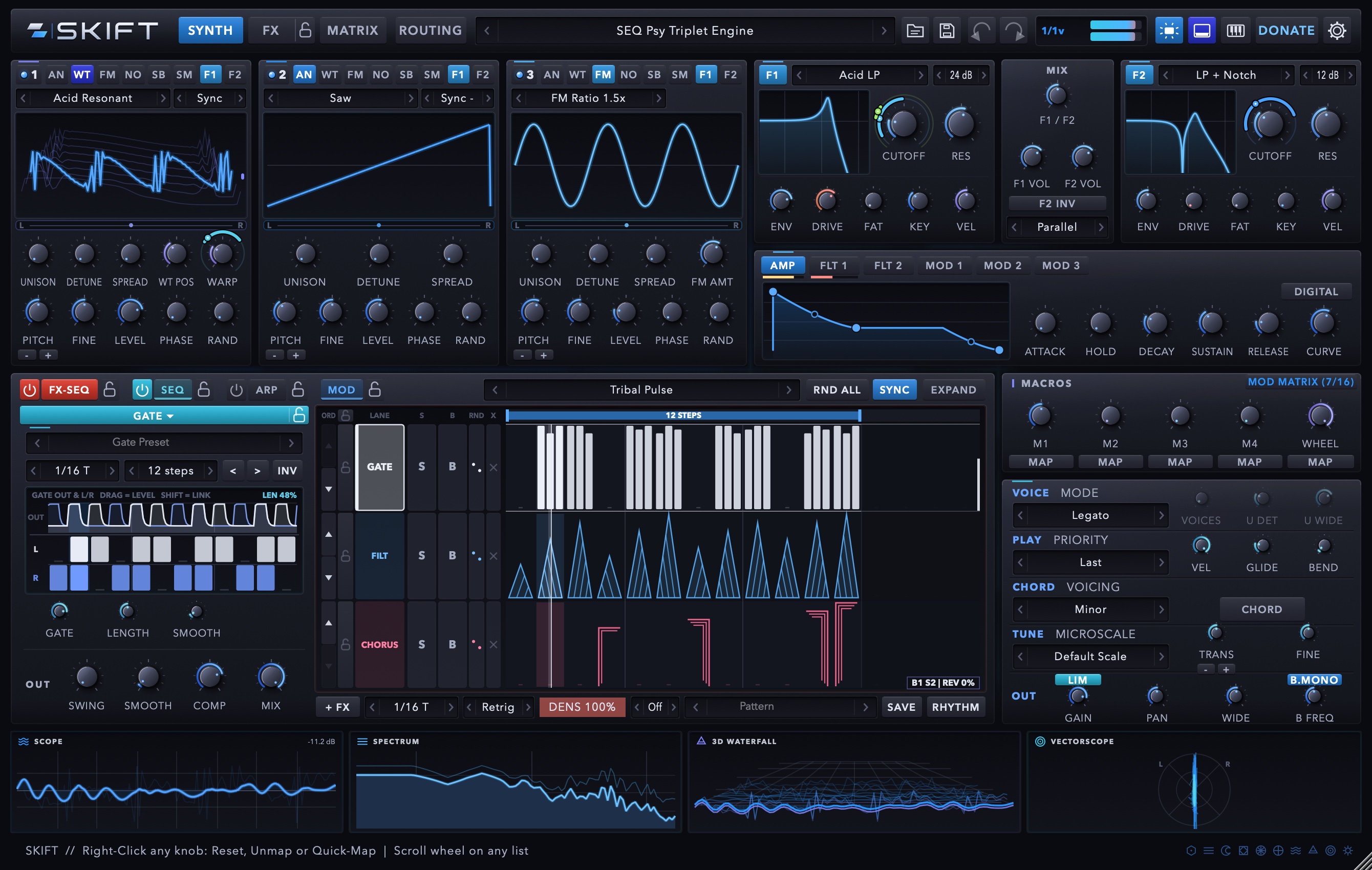
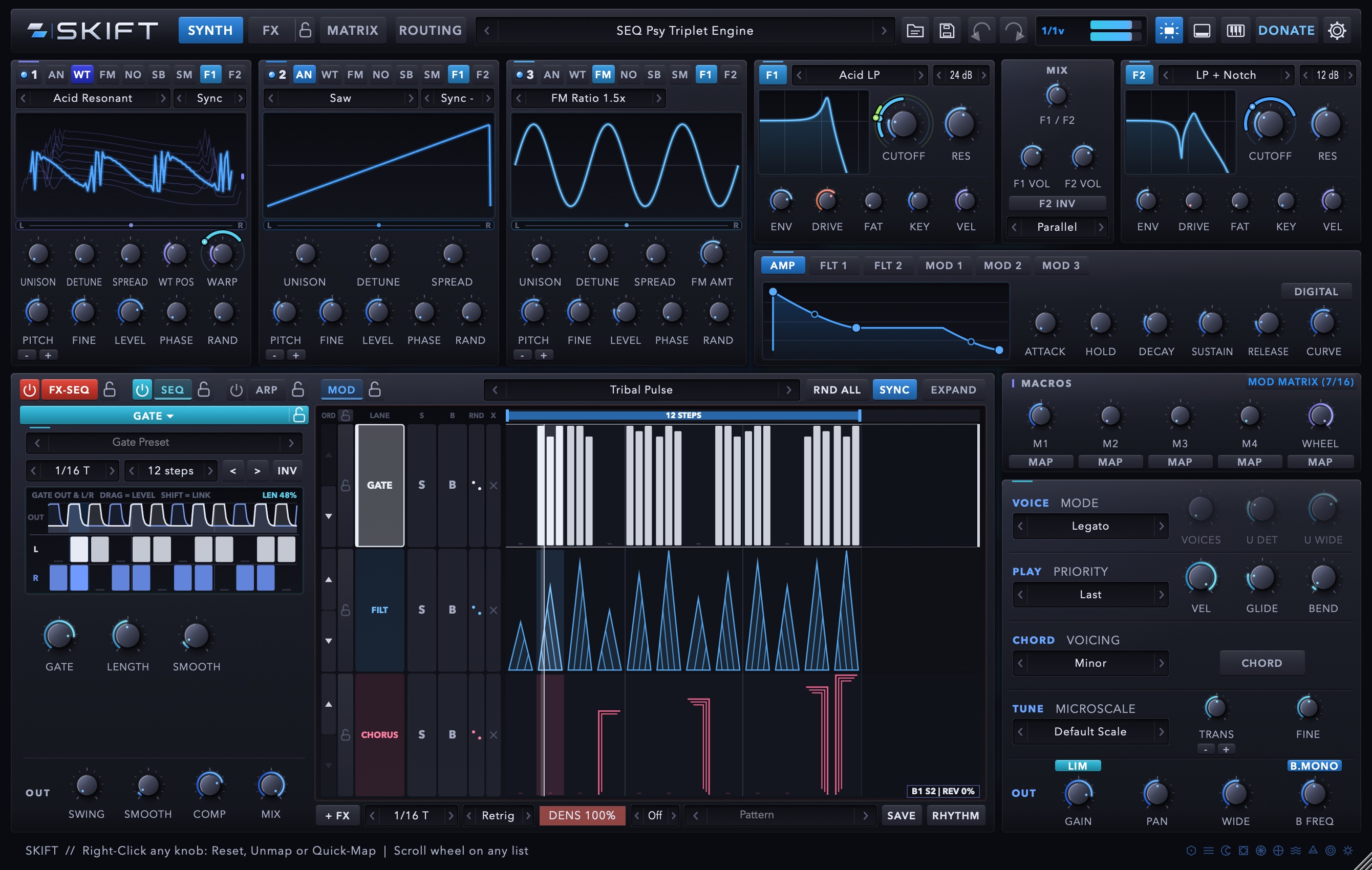
Oscillators
Three, each its own kind
Analog shapes, 20 wavetable banks with warp, FM, noise, a sub oscillator, or a sample: 12 built in or your own file.
Filters
Two, in series or parallel
A wide range of filter models with drive, envelope and key tracking, routed either way.
FX-SEQ
A sequencer that plays the effects
Step lanes for gate, chop, filter, reverb, echo, pitch and more, synced to the host.
SEQ · ARP
Notes, chords and a piano roll
A note sequencer with an editable clip, an arpeggiator on top, chord mode and microtuning.
Modulation
Map anything onto any knob
Six envelopes, two LFOs, a step modulator, a 16-slot matrix and four macros.
Effects
Eight slots, any order
Distortion, chorus, delay, reverb, phaser, granular, resonators, tape stop and more.
Presets
185 to start from
Basses, acid, leads, pads, plucks, keys, a concert grand, odd meters and microtonal banks.
Look
Studio Hardware
Lit modules that react to the sound, ECO mode for slower machines, and a Christmas theme in December.
Install · macOS
- Unzip and move
SKIFT.vst3to~/Library/Audio/Plug-Ins/VST3/, orSKIFT.apptoApplications. - SKIFT is not notarized by Apple, so macOS blocks it the first time. For the app: open it once, then choose Open Anyway in System Settings → Privacy & Security.
- For the plugin, clear the download flag in Terminal, then rescan plugins in your host:
xattr -dr com.apple.quarantine ~/Library/Audio/Plug-Ins/VST3/SKIFT.vst3Install · Windows
- Unzip and move
SKIFT.vst3toC:\Program Files\Common Files\VST3\, then rescan plugins in your host. - The standalone
SKIFT.exeruns from anywhere. If SmartScreen warns about an unknown publisher, choose More info → Run anyway. - No Visual C++ runtime needed.
SKIFT checks once a day for a newer version and shows an UPDATE key when there is one. You can turn that off in its settings.